Seedream
Image generation model from the Seedream family.

Send one prompt to four leading image models with Compare All, or select one model yourself. Generate, compare, and download the strongest result-at resolutions up to 4K.
Compare All
Each model interprets prompts differently. Generate across all four at once and choose the result that fits your idea best.
Image generation model from the Seedream family.
Google’s Gemini image generation model.
xAI’s image generation model.
OpenAI’s image generation model.
Studio mode
Describe the creative you need and Studio automatically uses the image model best suited to that specific format.
Turn data, statistics, or talking points into a polished, readable visual.
Create campaign-ready paid social and display ads in the right format.
Generate feed-ready organic content matched to each platform.
Design covers for YouTube, blogs, and podcasts that stand out at small sizes.
Explore brand marks and identity concepts quickly from a text description.
Create banner ads in standard IAB display sizes, ready for campaigns.
How it works
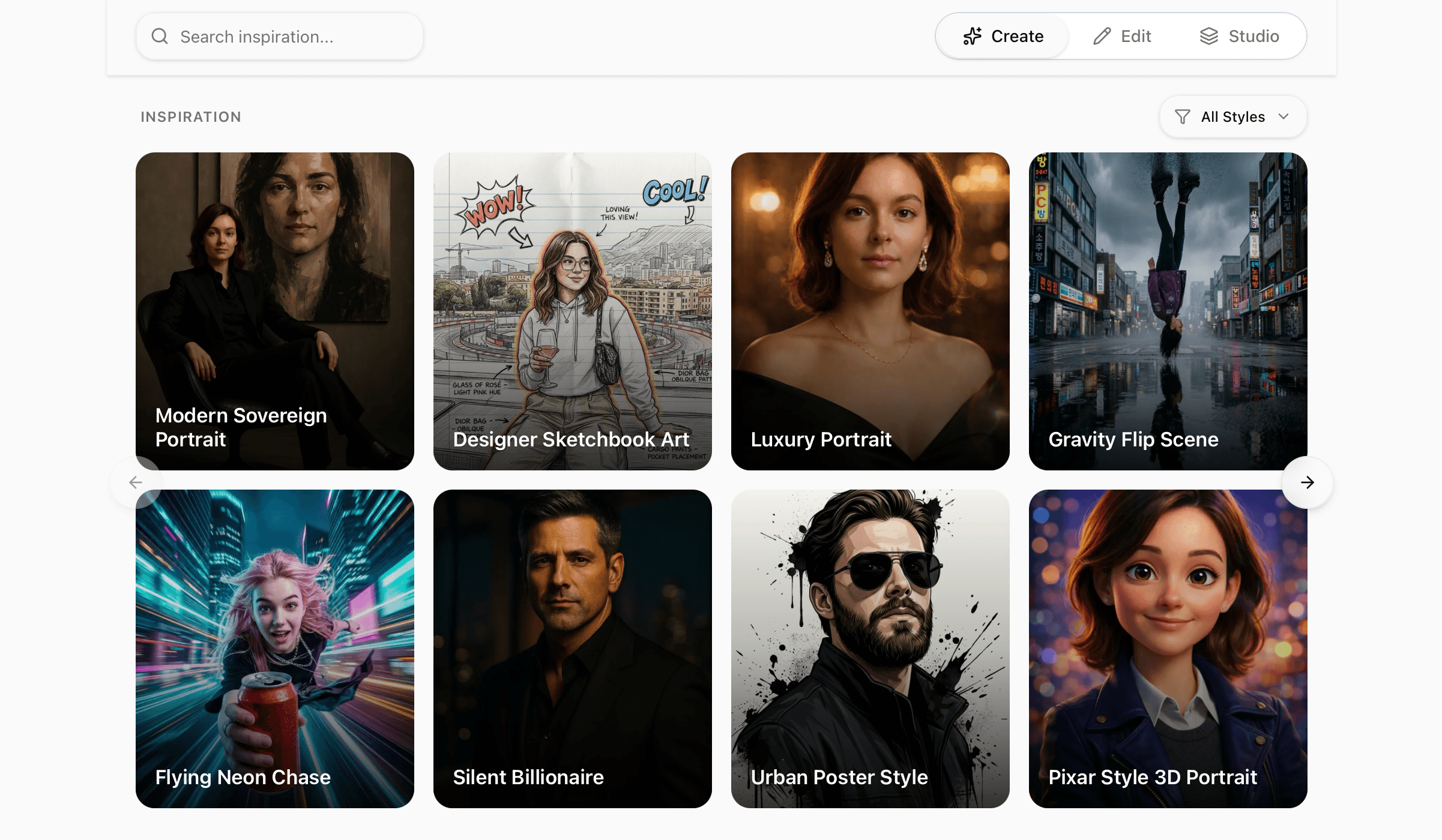
Mode 1
Generate a completely new image from a prompt.
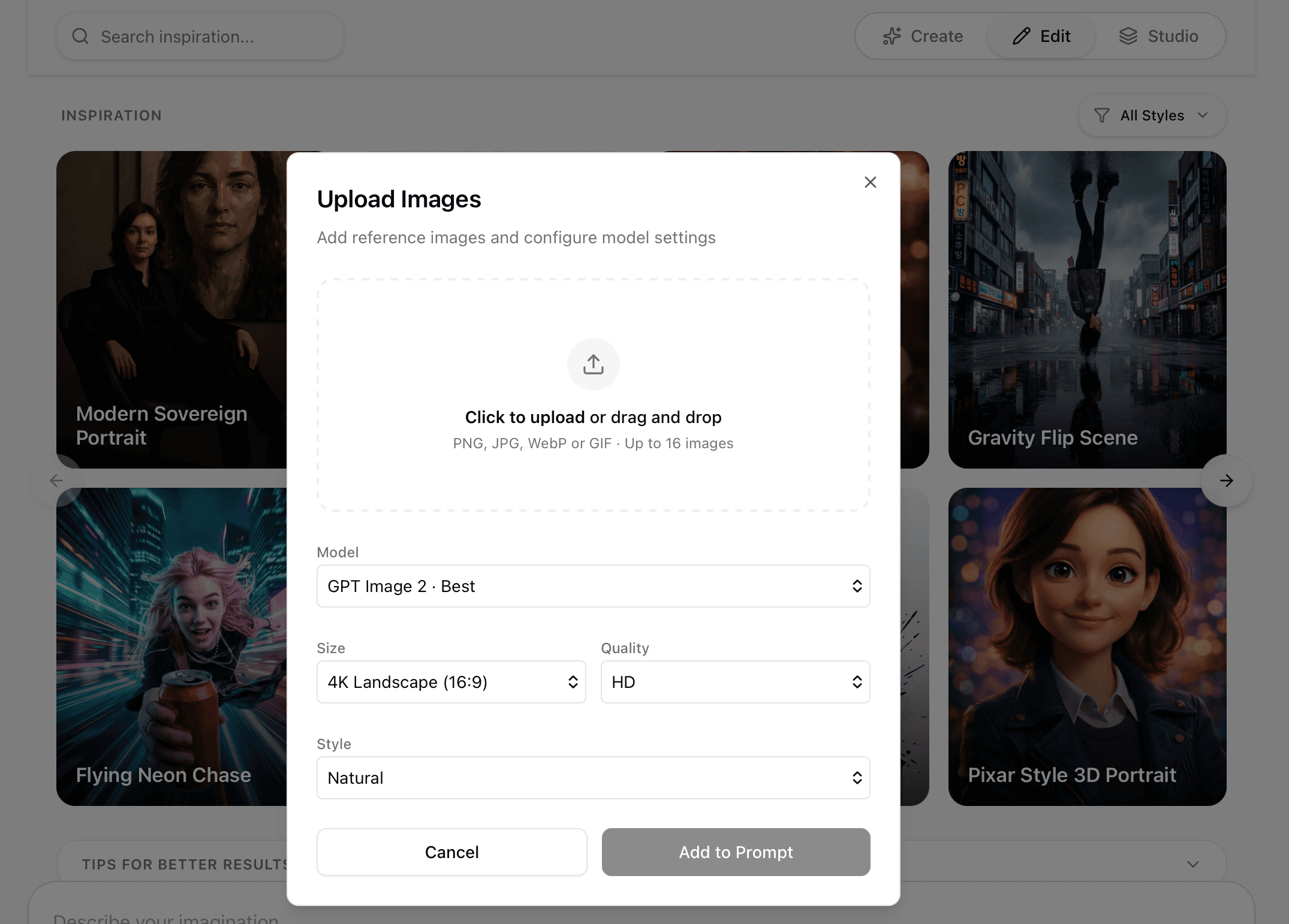
Mode 2
Upload and modify an existing image with AI.
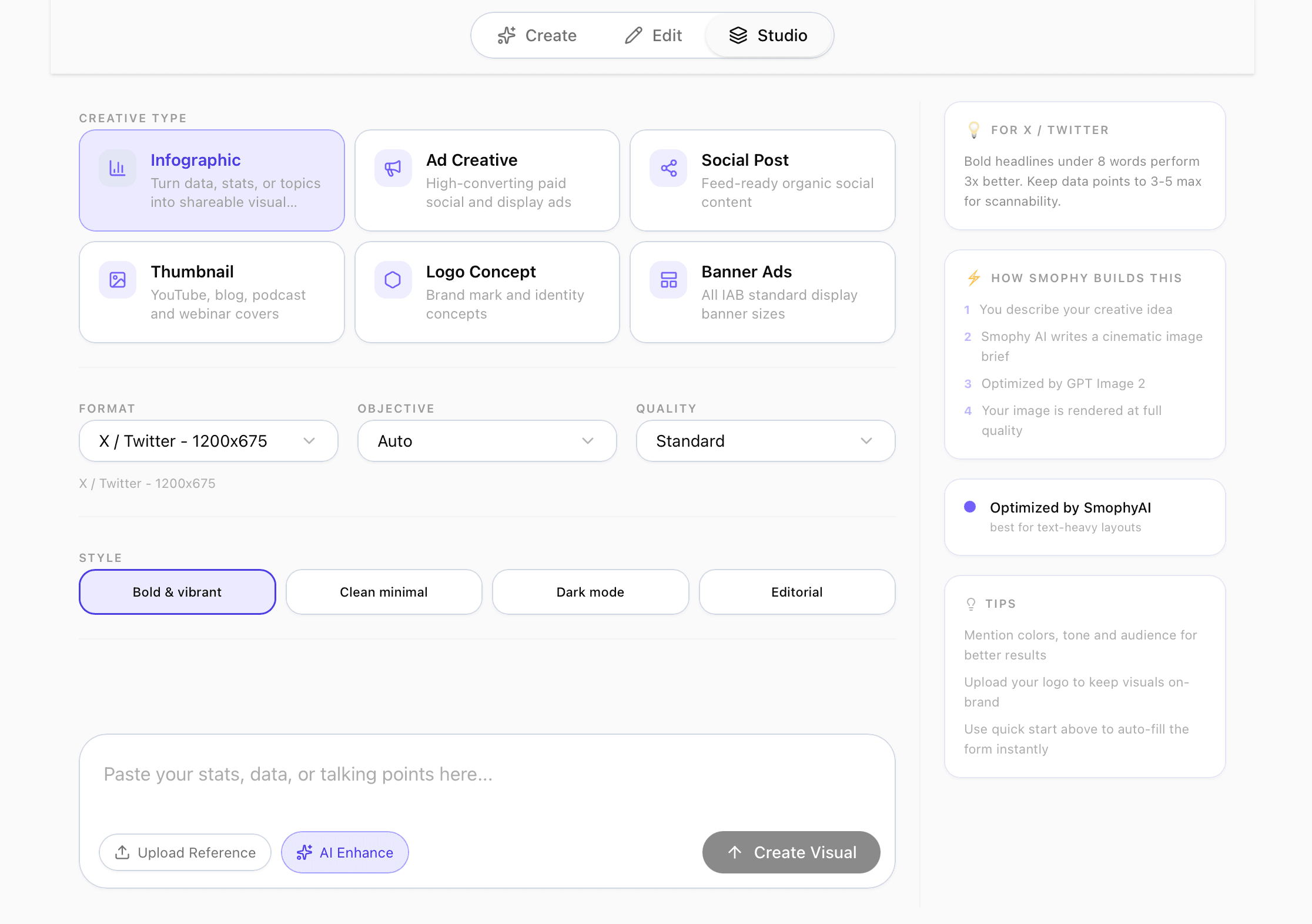
Mode 3
Choose a marketing creative type and let SmophyAI match the best model automatically.
Common use cases
Technical details
FAQ
Image Studio compares four AI image models from one prompt: Seedream, Nano Banana (Gemini), Grok Imagine, and GPT Image.
Yes, Image Studio supports outputs up to 4K.
Yes, Image Studio’s Studio mode includes a dedicated Logo Concept creative type, which automatically routes to the model best suited for brand identity work.
No, but you can. Use Compare All to generate results from all four models at once and pick the best one, or manually select a single model-Seedream, Nano Banana, Grok Imagine, or GPT Image-if you already know which one you want.
No. Studio mode is built around describing what you need in plain language, plans your creative type-logo, banner, or infographic-and generates a ready visual without requiring design software experience.
Yes, in most cases. AI image models generally do not prohibit commercial use of what you generate. Avoid using recognizable third-party brands, logos, or trademarks to promote your own product without permission, because advertising and social platforms may reject or remove that content.
Image Studio is included in every paid SmophyAI plan, starting at $19.98 per month. The free trial includes 3 image generations using Nano Banana only; comparing all 4 image models requires a paid plan.
Turn your next idea into a polished visual-no design experience required.
Generate images freeNo credit card required