Seedance
Multiple engines including 2.0, 2.0 Fast, and 1.5 Pro, with full 4K support on Seedance 2.0.

Create polished AI video without five separate tools. Start from text or an image, choose from leading models, and build everything from short clips to complete multi-scene video ads.
Create your first AI videoPlans start at $19.98 per month
Generation engines
Pick a specific version or let SmophyAI select the best fit. Engines are updated regularly as new models become available.
Multiple engines including 2.0, 2.0 Fast, and 1.5 Pro, with full 4K support on Seedance 2.0.
Kling 3.0 and Kling 3.0 Pro for higher-fidelity video output.
xAI video generation in standard and 1.5 versions.
Google’s video generation family, including Veo 3, 3.1, and 3.1 Fast.
What you can create
Turn a prompt or reference image into a 1–15 second video. Choose from multiple engines, seven aspect ratios, native audio, and AI Enhance.
Build multi-scene 10–15 second ads with AI scene stitching, platform sizing, voice, audio, creative style, objective, and CTA controls.
Swap the person in an existing clip while preserving the original motion, gestures, and timing.
Improve or modify existing video content with dedicated AI-powered tools.
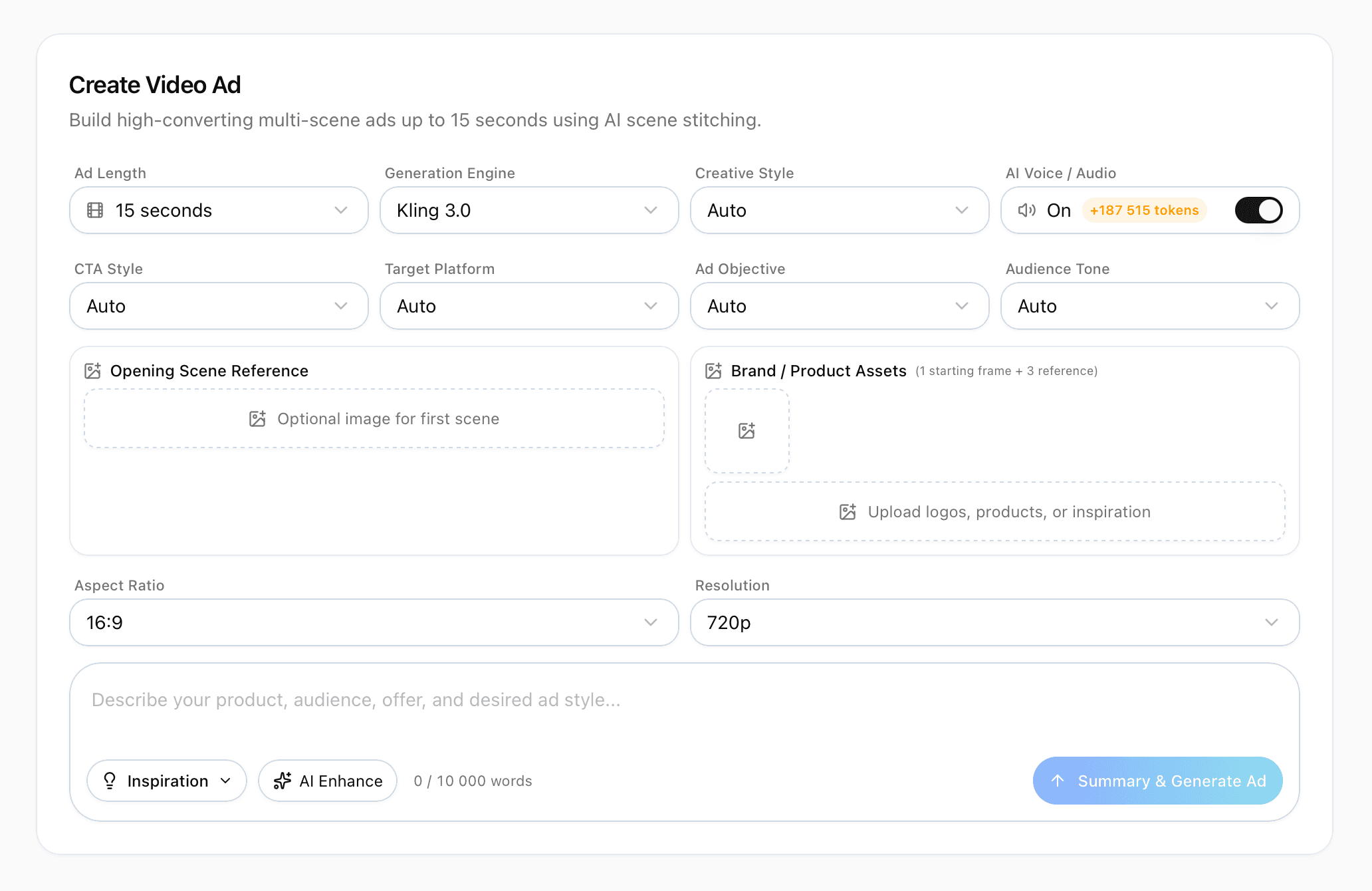
Create Video Ads
Set every creative decision yourself or leave every field on Auto. SmophyAI stitches the scenes, generates the audio, and produces the correctly sized ad.
How it works
Start quickly with Auto settings, or control the engine, framing, duration, audio, and prompt detail yourself.
Open Video Studio and select Create Video.
Choose the engine, aspect ratio, and length-or leave them on Auto.
Describe your scene in a prompt, or upload a reference image to animate.
Toggle Native Audio and AI Enhance when you want them.
Generate, and SmophyAI turns your idea into a finished video.
16:9, 9:16, 1:1, 4:3, 3:4, 3:2, and 2:3 for every destination.
Generate synchronized sound and voice as part of the video workflow.
Turn a short scene idea into a detailed cinematic generation prompt automatically.
Technical details
FAQ
Video Studio uses four AI video models: Seedance, Kling, Grok Imagine Video, and Veo.
Yes. Create Video Ads is a guided flow: describe your product, audience, and desired style, and SmophyAI builds a multi-scene video ad using AI scene stitching.
Yes, Video Studio includes a dedicated Replace Person in Video (AI face swap) tool that swaps the person in a clip while preserving the original motion, gestures, and timing.
Yes. It is the same AI character-replacement technique creators use to appear in scenes they never filmed, creating content that would otherwise require a full production budget.
Create Video supports clips from 1 to 15 seconds. Create Video Ads supports multi-scene video ads from 10 to 15 seconds using AI scene stitching.
Yes, in most cases. AI video models generally do not prohibit commercial use of what you generate. Avoid using recognizable third-party brands, logos, or trademarks to promote your own product without permission, because advertising and social platforms may reject or remove that content.
Video Studio is included in every paid SmophyAI plan, starting at $19.98 per month. Video Studio is not part of the free trial, which covers Multi-Chat and a limited set of image generations only.
Turn a prompt, product image, or creative brief into video from one workspace.
Start creatingPlans start at $19.98 per month